
A useful skill starts with a task you know.
Learn what skills do, add one to your AI tool, and try it with a small task. These simple guides help you take the first step.
Start with the basics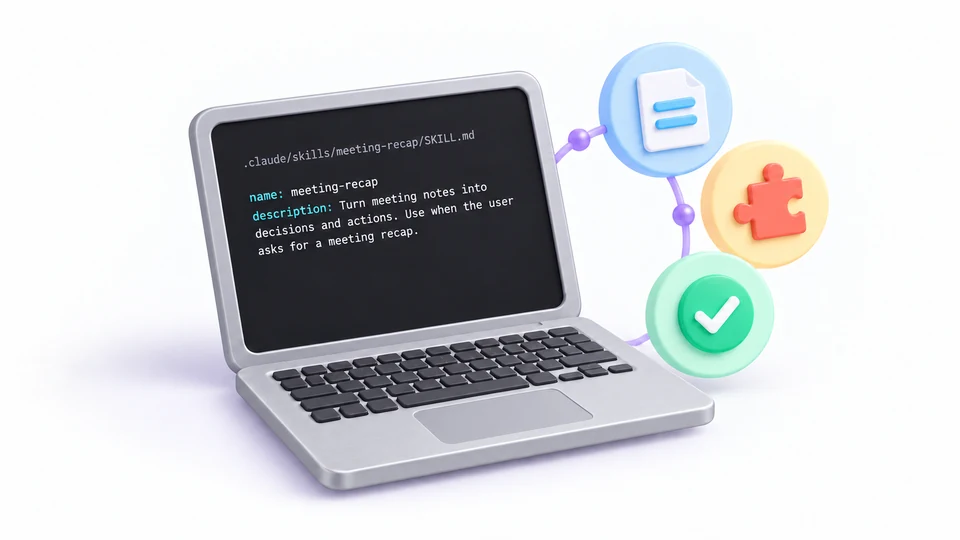
Not sure where to start?
Read these three guides, then choose one skill to try.
- 01
What is a Skill?
A skill is a set of saved instructions that helps your AI tool do a specific task. See how it works with an everyday example.
Read guide - 02
Getting started
New to AI skills? Pick one small task, add your first skill, try it with sample data, and check every result against your own notes.
Read guide - 03
How to install a skill
Choose your agent. Follow five simple steps to add a skill and try your first task.
Read guide
Get more out of your Skills
Build on the basics, from clearer requests to using skills safely.
How to use Skills
Learn how to use AI skills: name the task and the skill, give useful context, then review the result and save what works for next time.
How Skills trigger
Learn how an AI agent decides when a skill fits your request, how to write a description that triggers it, and what to do when it doesn’t.
Skill safety
Review the source, supporting files, and access before trying a skill.
Which agent do you use?
Choose your agent. We’ll show you how to add a skill and try it.



One skill. One small task.
Ready to try with your first skill?
Explore the Skills library and find a skill for work you already do.
Find my first skill